Take your photo library back.
A private, on-device companion to Apple Photos. Review at your own pace, clear the near-duplicates, tag things your way — and nothing ever leaves your iPhone.
On the App Store · iPhone & iPad · $10 once · no subscription

We don't rebuild Apple Photos. We finish it.
Apple Photos is great at most things. Latent Photos does the few it isn't — then gets out of your way.
Clean near-duplicates
Find the burst shots and retakes built-in cleanup misses. Compare side by side, keep the best, reclaim gigabytes.
Tag it your way
Your categories, not a model's. Every tag becomes a real Apple Photos album that syncs everywhere.
See your library again
Revisit your history at a calm pace, not an endless scroll. A library too big to face becomes worth keeping.
See it in action.
A quick tour — from first look to a lighter, tagged, fully-reviewed library.
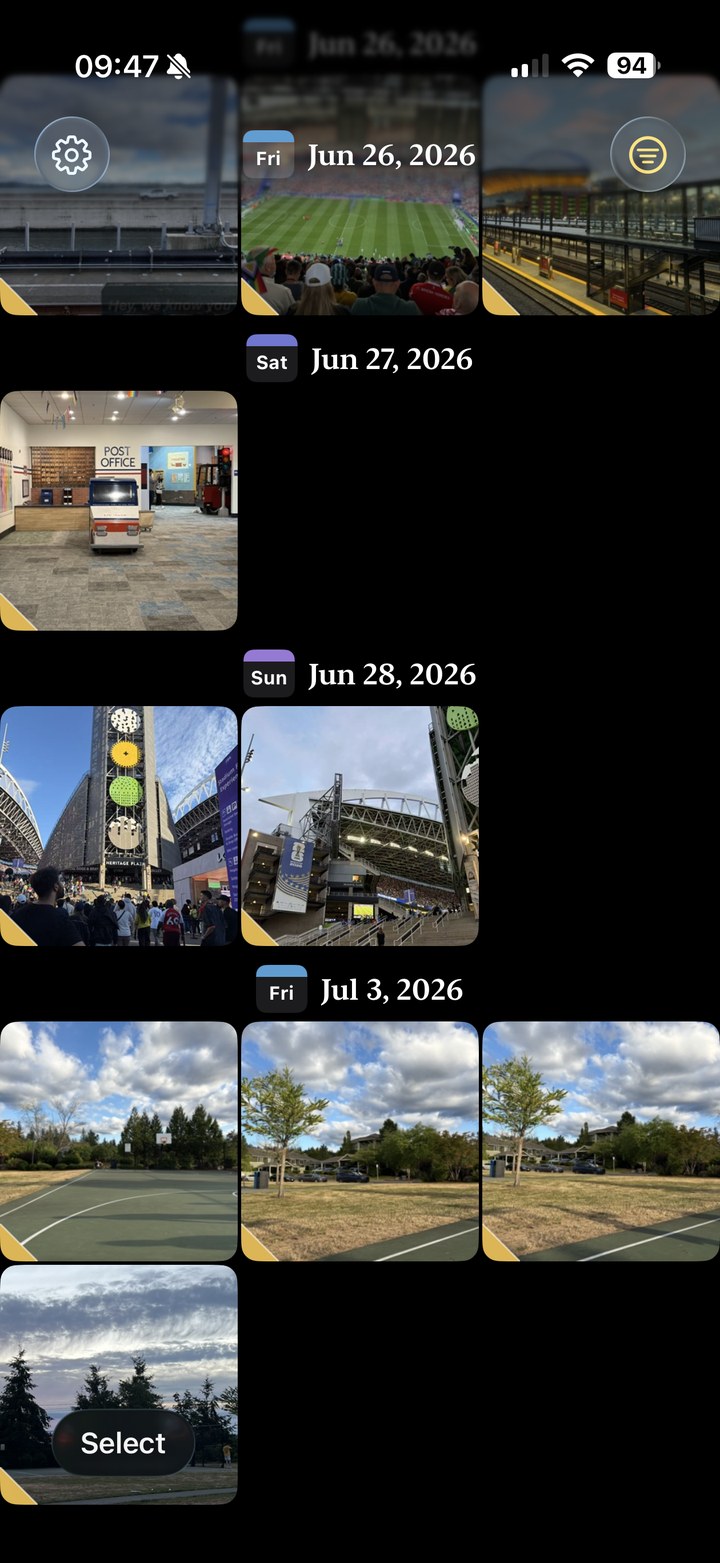
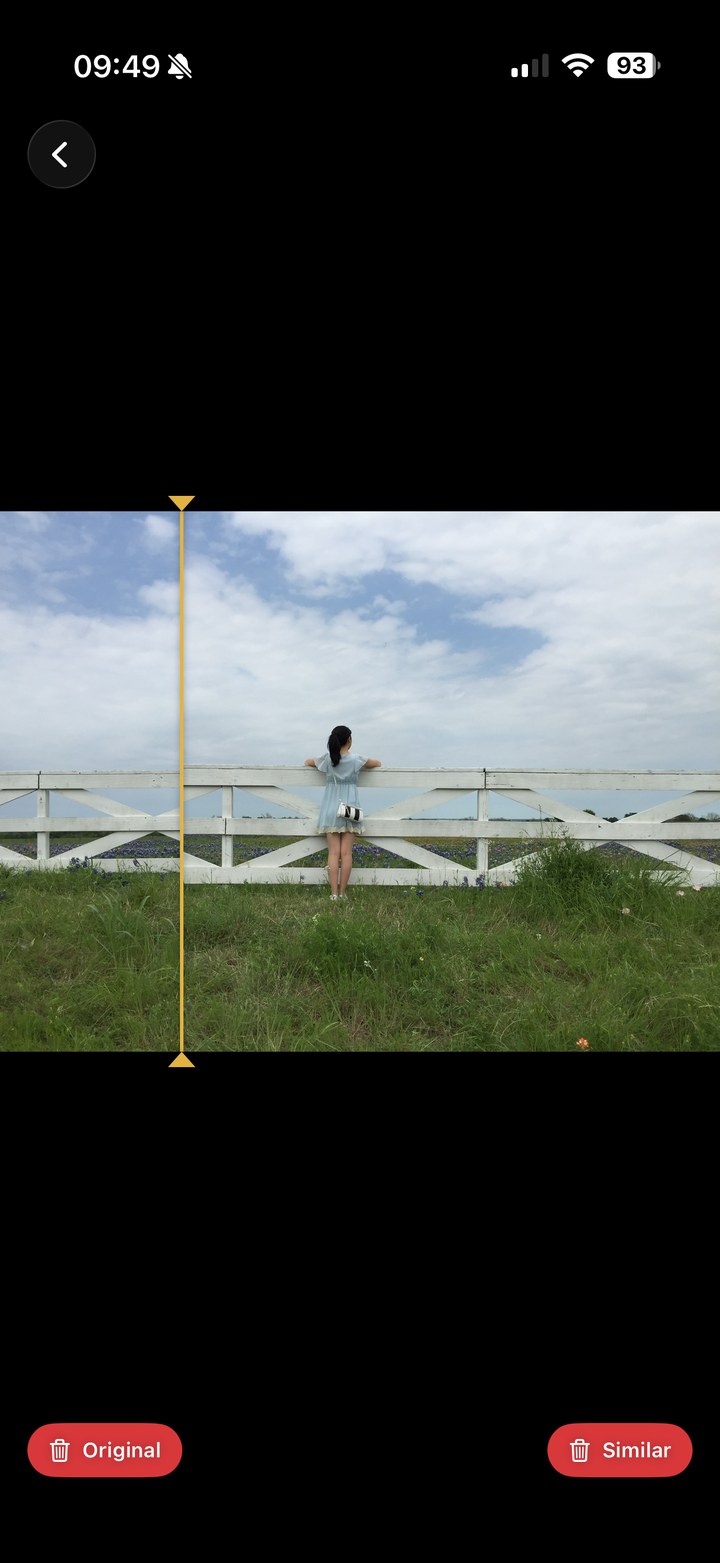
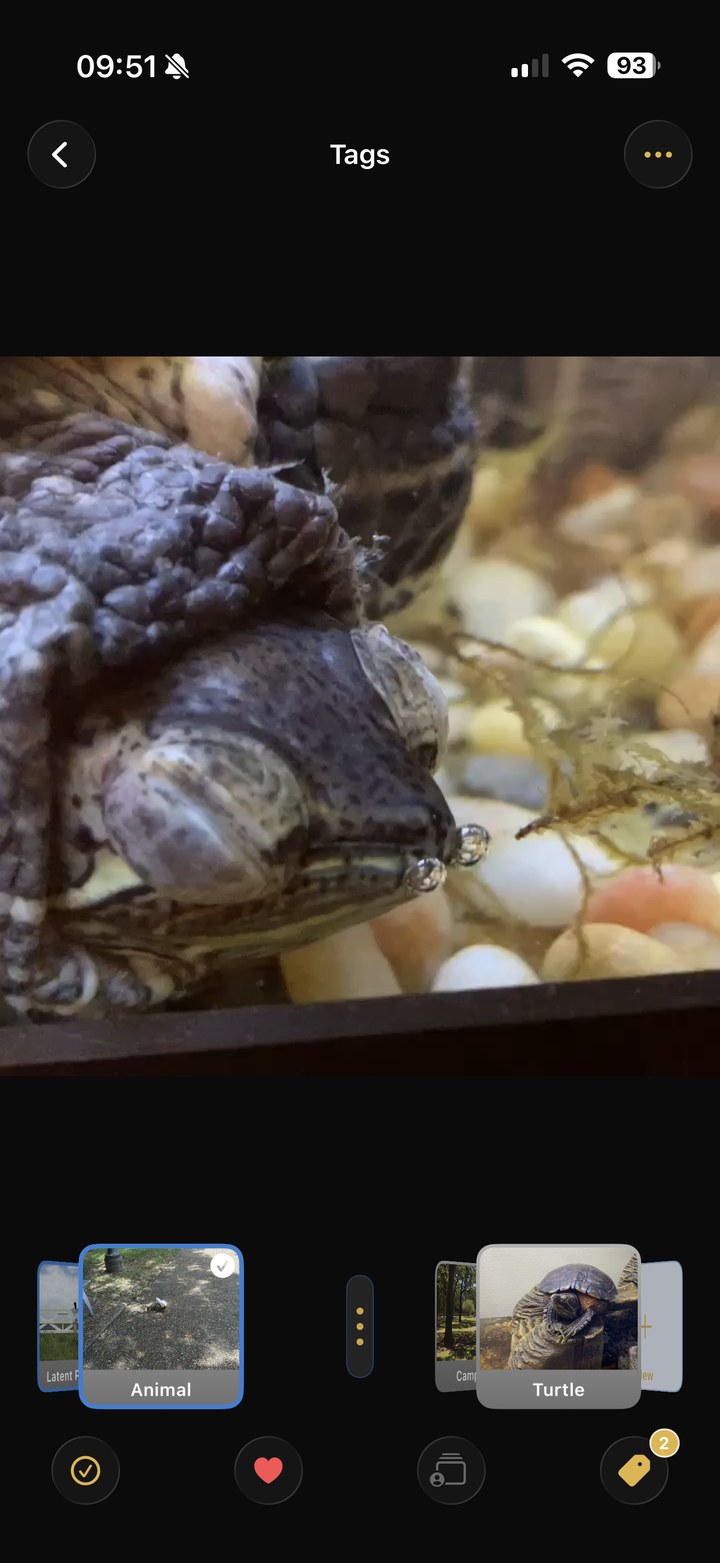
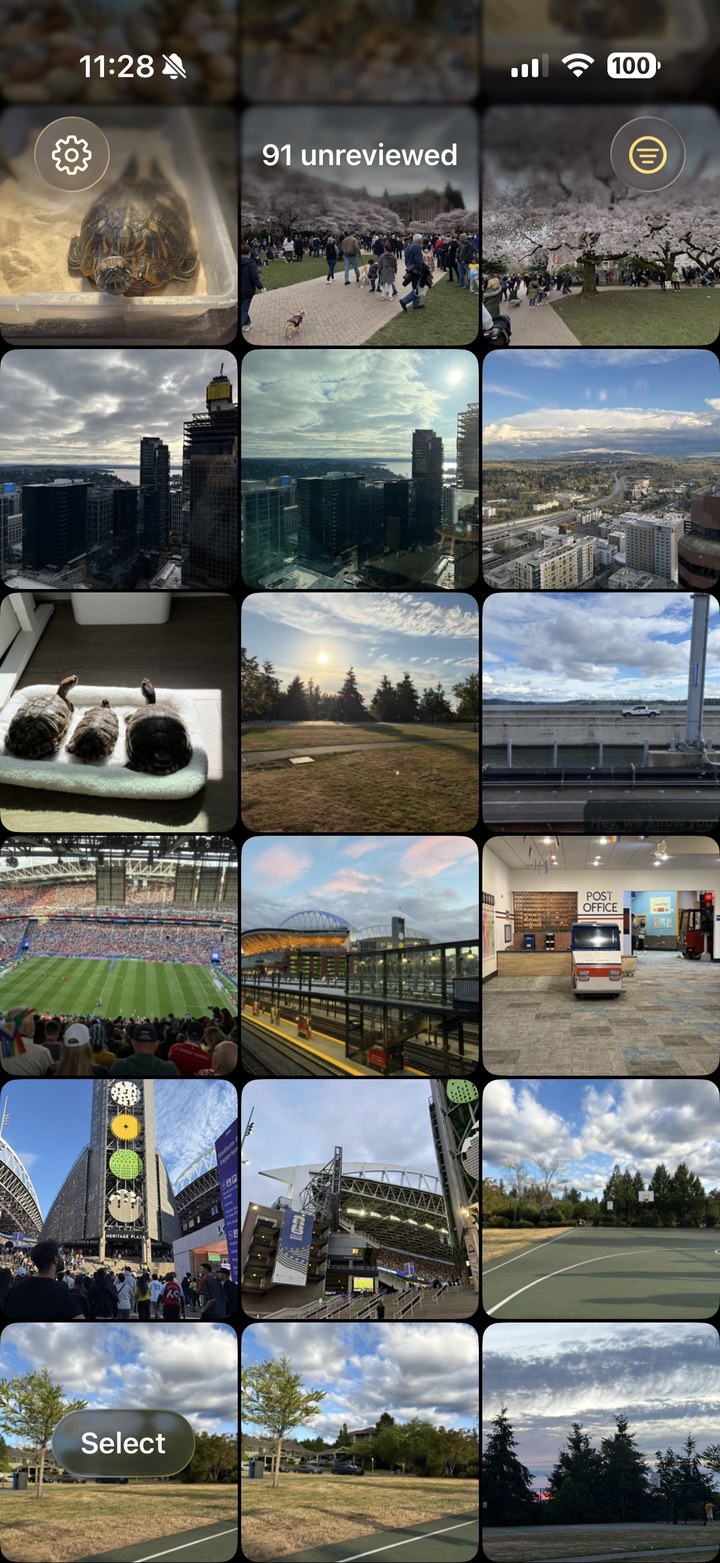
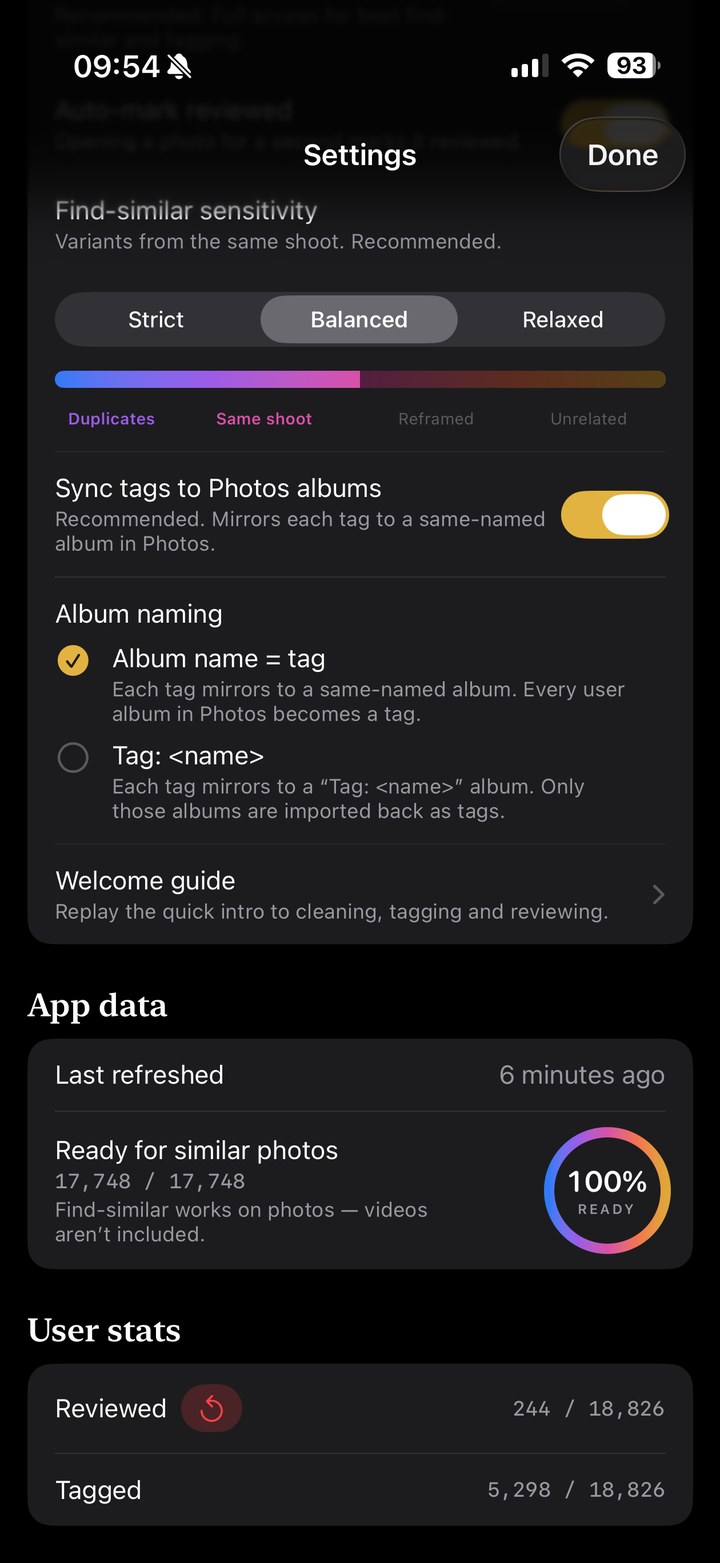
Real screens from the app, not mockups — swipe or use the arrows
It lives on your phone. Full stop.
Privacy isn't a policy here — it's the architecture. There is no server to send your photos to, because we didn't build one.
- Entirely on-device. Photos, tags, and progress never leave your iPhone.
- No account. Nothing to sign up for. Open it and go.
- No hidden traffic. The only network activity is iOS fetching your own iCloud originals.
- No ads, no analytics. No tracking, no profiles. You're the customer, not the product.
- Syncs with Apple Photos. Tags become real albums; deletes go to your normal Recently Deleted.
No AI deciding for you.
Latent Photos works the classic way: you look, you choose, by hand. Automation only speeds up the busywork — it never deletes, never files, never overrides you.
Every photo passes by you
A fast, calm review flow. Keep, skip, or tag — one clear decision at a time.
Your tap, or nothing
No photo is deleted, moved, or filed without you. Automation drafts; you sign off.
Your call stays put
A tag you set is never re-guessed and never overridden. Decided means decided.
Tracked to the last photo
See what you've reviewed and what's left. 100% means 100% — nothing slips through.
A manual workflow made fast — not an algorithm made to guess. Anywhere automation can't clearly help, we left it out.
$10. Once.
Your library pushed you onto a bigger iCloud plan you now pay for every month. That's backwards.
Ten dollars is about one month of the 2 TB iCloud tier a bloated library forces on you. Pay it once, take your library back, and maybe drop that tier for good.
- One-time $10
- Updates included
- No subscription, no account, no ads
Your photos never leave your phone.
Everything runs on-device. We don't collect, transmit, or sell your photos or any personal data — there's nowhere to send them. Read our privacy policy; it's short, because there isn't much to disclose.
Questions
Does it replace Apple Photos?
No — it's a companion. Apple Photos stays your library; Latent Photos adds the jobs it's weak at: near-duplicate cleanup, your own tags, and a tracked review flow.
Will it delete photos without asking?
Never. Every delete is your tap, and it goes to the normal Recently Deleted — recoverable, exactly like deleting in Apple Photos.
Is it really private?
Yes. Everything runs on your iPhone — no server, no account, no analytics. The only network traffic is iOS itself fetching your own iCloud originals, exactly as Apple Photos does.
What happens to my tags?
Each tag becomes a real Apple Photos album, so it syncs through iCloud and survives reinstalls and new iPhones. Prefer a "Tag:" prefix, or keeping tags local-only? Both are options.
How much does it cost?
A one-time $10. Updates included, no subscription — about what a single month of the 2 TB iCloud tier costs.
When can I get it?
Right now — it's on the App Store for iPhone and iPad. A desktop version is on the way.